
Alpha, in active development
A room you can put lights in, before you have the room or the lights.
Beam is a 3D sandbox for lighting rigs. Put the fixtures where they will really hang, give them their real DMX addresses, and send it Art-Net or sACN from whatever runs your show. Moving heads, LED bars and panels, strobes, projectors, LED screens and lasers all respond live. You can design the rig, check the patch and rehearse the content before there is a truck, a truss or a venue.
Windows installer · macOS and Linux from source · GPL v3
What it is
Which fixture is doing what, and where
What Beam does
- Builds the rig in 3D at real sizes: fixtures, trusses, set pieces and your own 3D models
- Reads GDTF, the fixture files manufacturers publish, and searches GDTF Share from inside Beam. Open Fixture Library profiles work too
- Lights the whole rig from live Art-Net or sACN, up to 512 universes
- Plays video on projectors and screens, and draws lasers from the software that already drives them
- Hands the layout to MadMapper, and prints a patch sheet for the crew
What Beam isn't
- Not a renderer for stills. No ray tracing and no IES files. Brightness is taken seriously though: a fixture is as bright as its lumens, and the camera has a fixed exposure, so an 80 W spot looks small next to a big discharge head.
- Not a lighting desk. Beam doesn't want to replace the thing you already program with. It listens.
- Not finished. This is alpha software. Things move, break and get renamed between releases.
- No strings. No licence keys and no telemetry. It never phones home and runs without an internet connection.
Moving heads
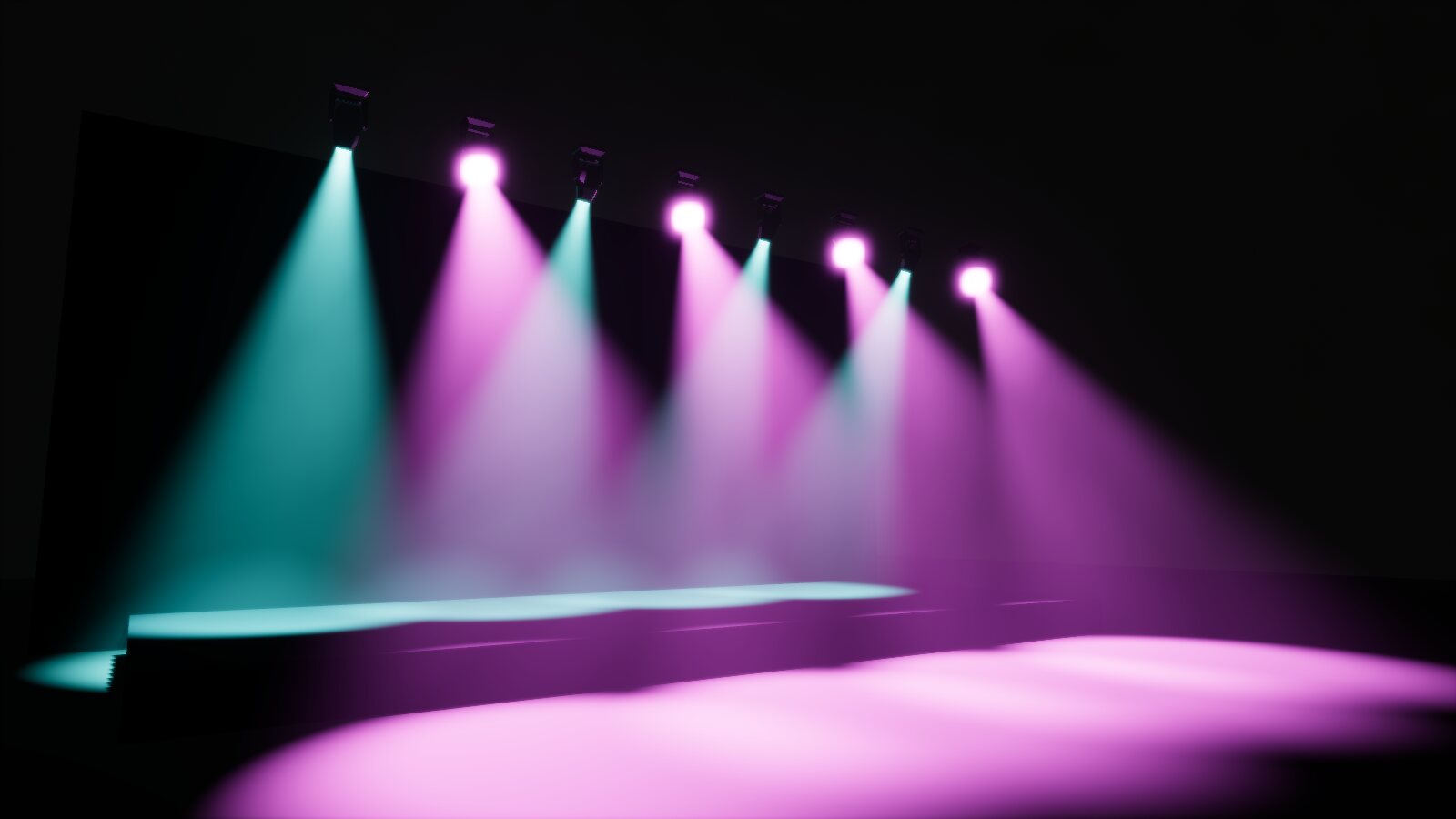
Beams that read like the real thing
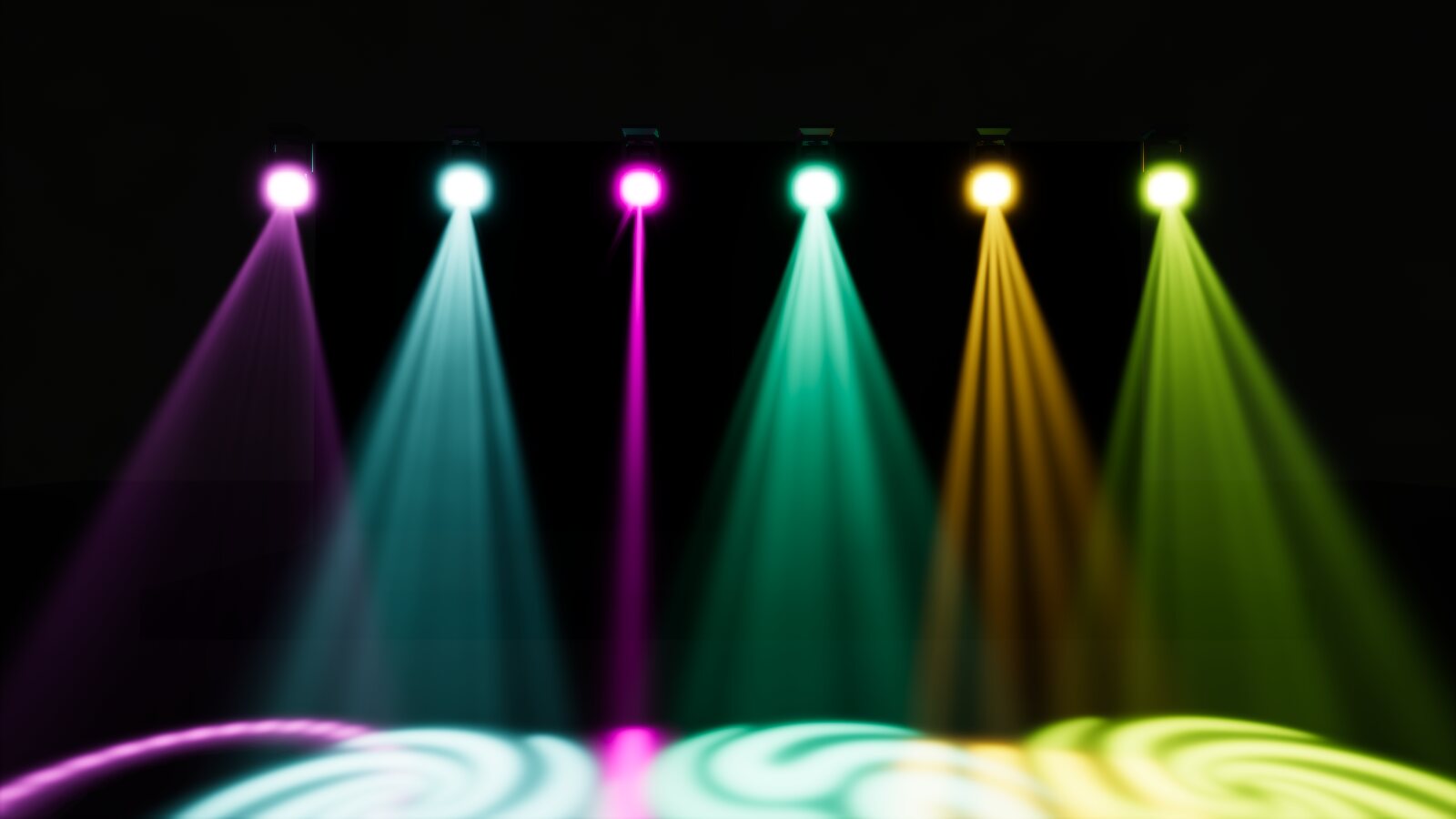
A head is built from its GDTF file, mesh and all, and driven channel by channel from the incoming DMX. Pan and tilt run at the speeds the file gives. The light comes from the fixture's stated lumens, so zooming in makes a smaller, brighter spot rather than the same spot shrunk.
- Gobos from the file's own wheel images, with rotation and shake; colour wheels, prisms, iris and framing blades
- Focus is a distance: the gobo and the edge of the pool are sharp at the focus and soften either side
- A beam stops at the first thing it hits, and what is in the way casts a soft shadow
- Haze from a light mist to a thick room, drifting as real haze does
- A few hundred heads at 60 frames a second on a good graphics card
Fixture files
Every channel, explained
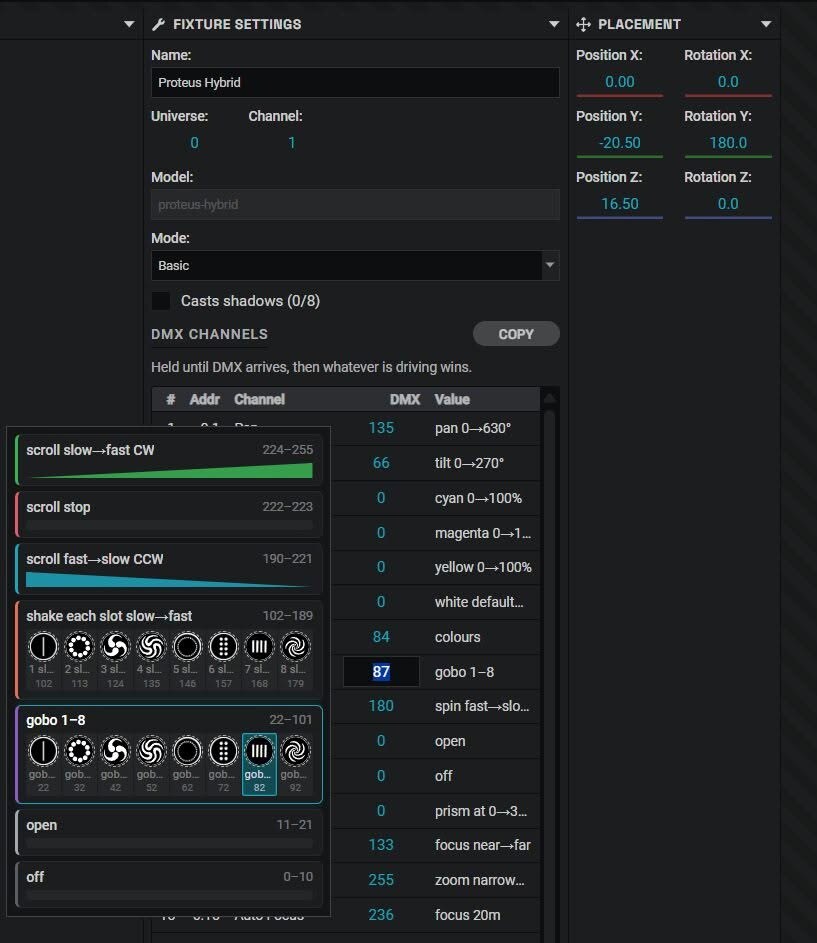
Select a fixture and every channel is listed with its DMX value. Press on a value and a guide opens beside it with every range the fixture file defines: what 0 to 10 does, where each gobo sits, which way a spin turns and how fast. It stays while you drag or type, so you can see what you are about to land on.
- Gobo slots show the pictures from the fixture's own wheel, colour slots their colour
- A quick guide per fixture: what to set before it gives any light at all
- No desk connected? Type a value into any channel and the fixture responds
Building the scene
Patch it once, keep it
Add fixtures from your library or from GDTF Share, set their mode and address, and place them. Bring in 3D models for the venue, the truss and the set, or make simple shapes in Beam.
- Save any arrangement as a structure and drop copies of it into the next show
- The arranger lays a selection out in lines, arcs, circles, spirals and grids
- Make your own LED bars, panels, strobes, projectors, screens and lasers when the no-name one isn't in any library
- LED bars and panels light the room around them, pixel by pixel
- Plan and elevation views with no perspective, for lining things up
MadMapper
From a 3D rig to a 2D map
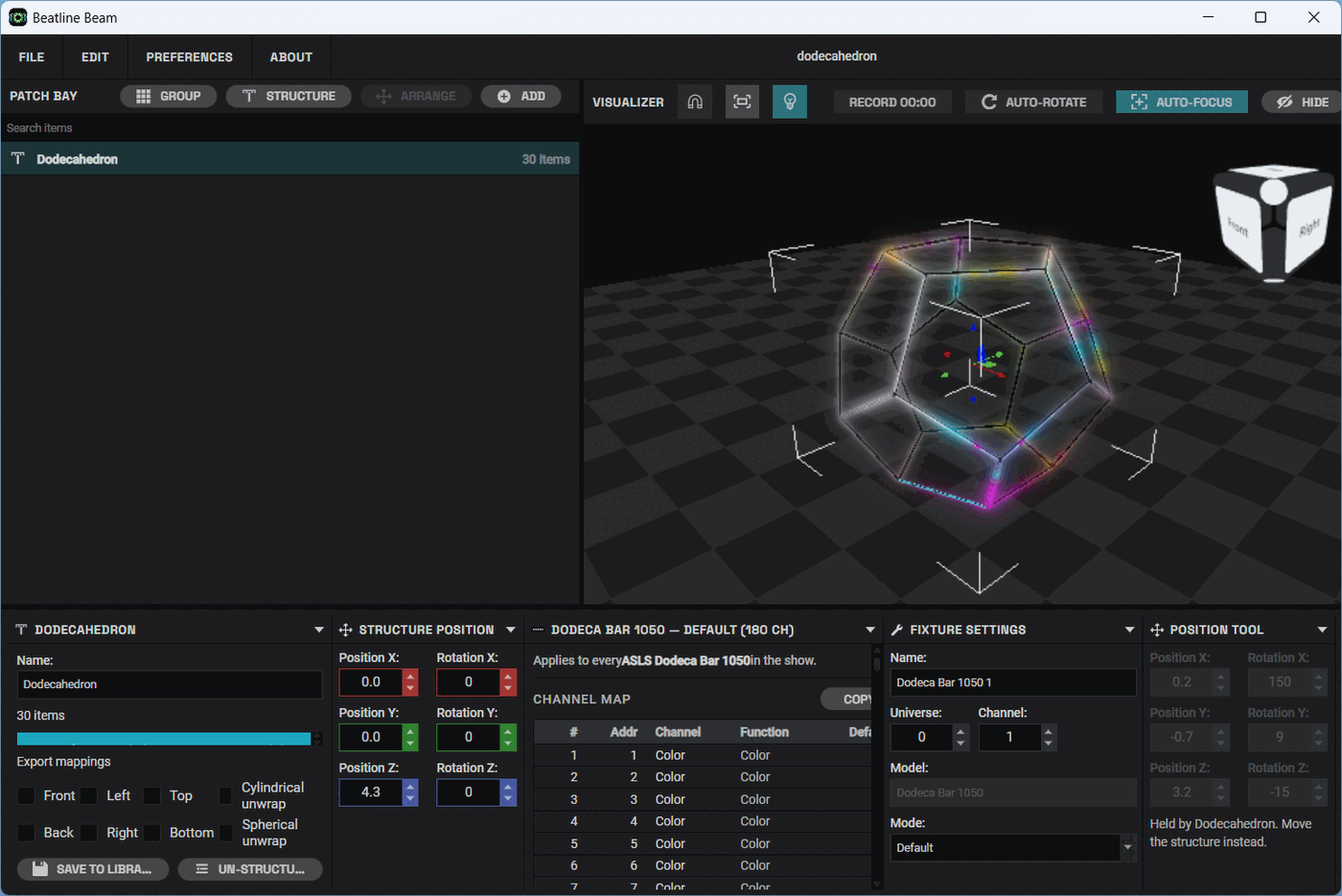
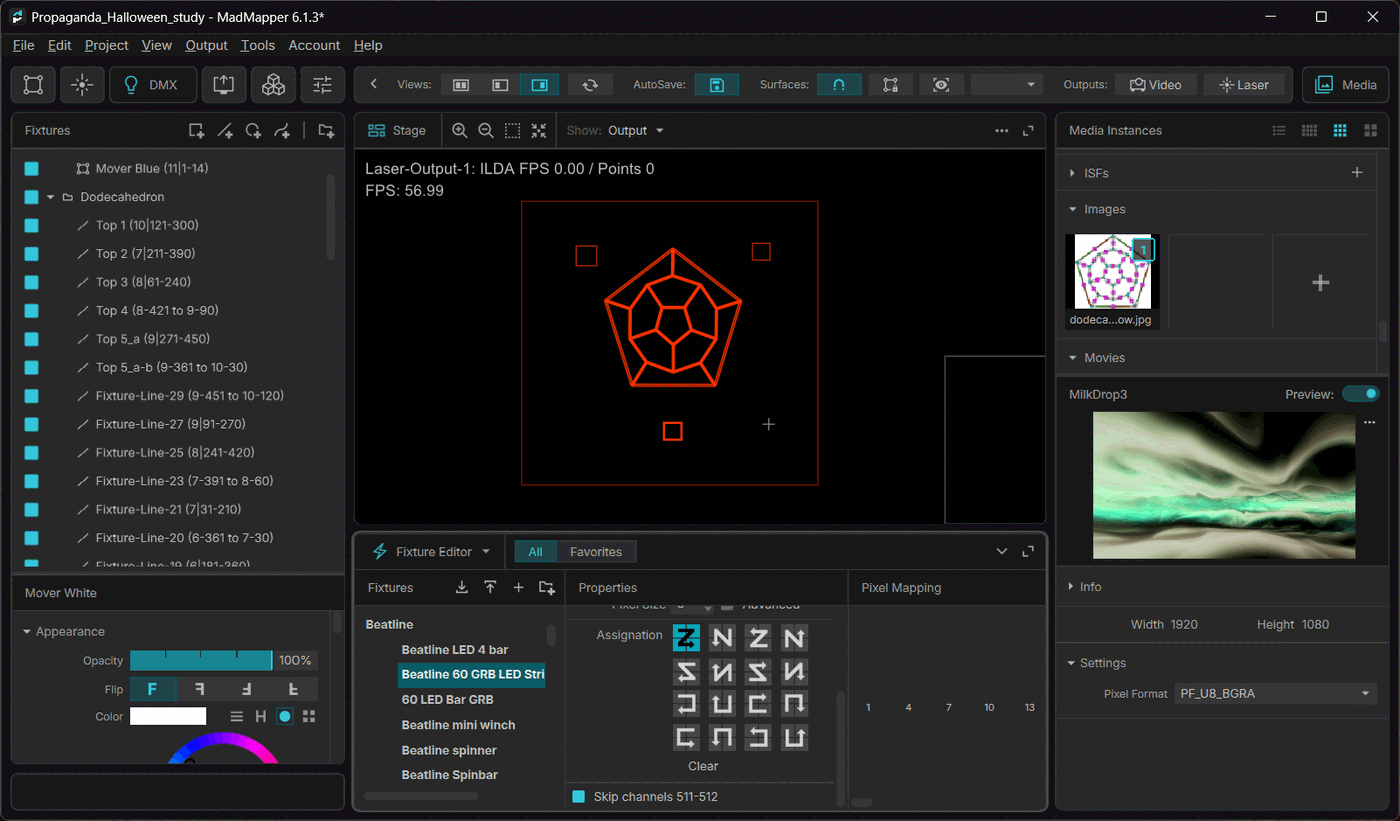
MadMapper works on a flat canvas and your rig isn't flat. Beam already knows where every fixture is, so it can flatten the rig for you: front, back, top, bottom or side views, or unrolled around a cylinder or a sphere. Each one goes to MadMapper as a layout file plus a fixture library, with the addresses already in.
Patch in Beam once. No retyping addresses, no working out which bar is which.
And also
The rest of the toolbox
Projectors and LED screens
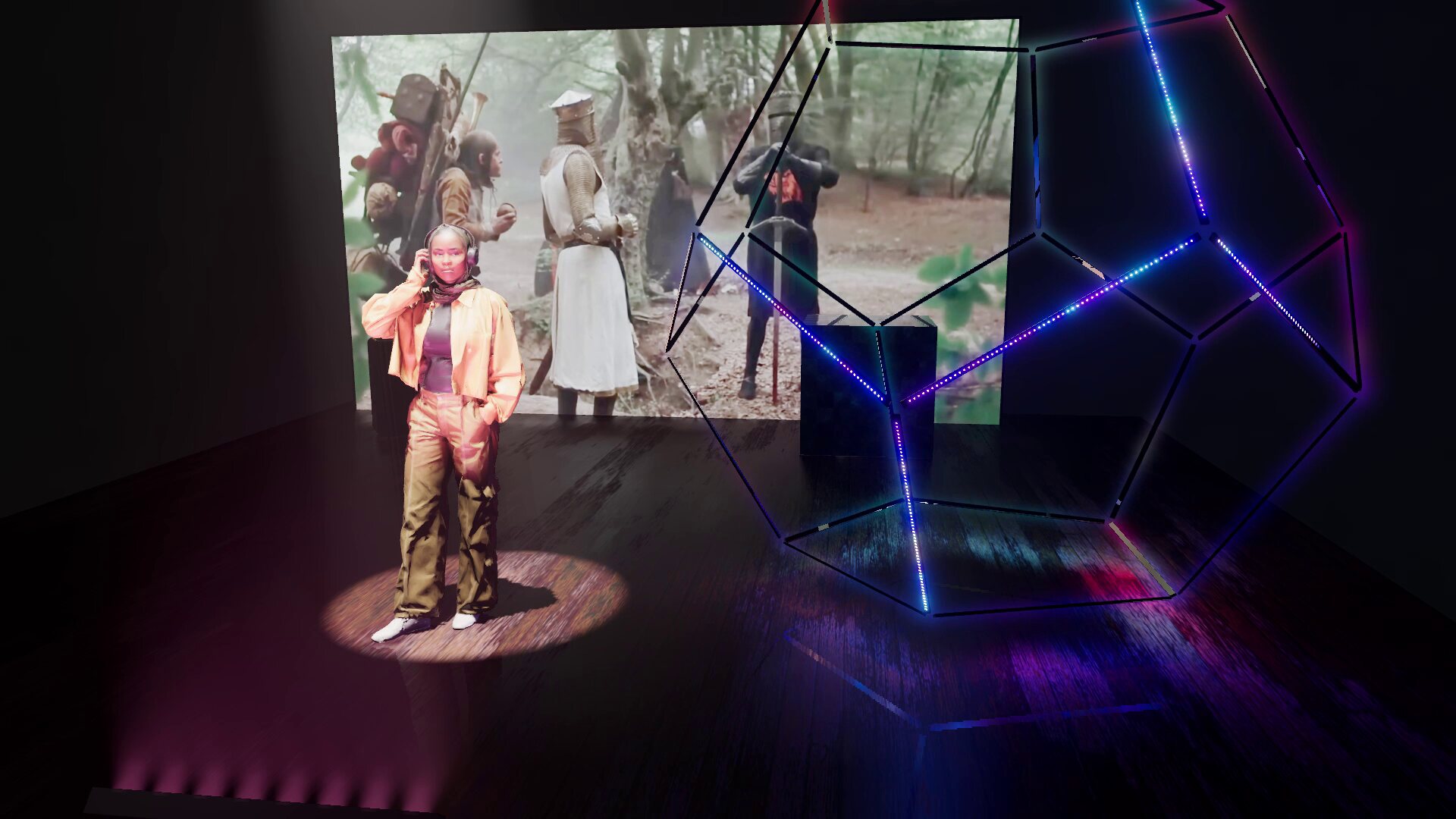
Feed a projector or a screen from NDI, or from a video or image file. A projector has a throw ratio, zoom and lens shift, and its picture lands on whatever is in front of it, with shadows where something is in the way. A screen is as bright as its nits and lights the room in front of it. A see-through mesh screen is there too.
Lasers
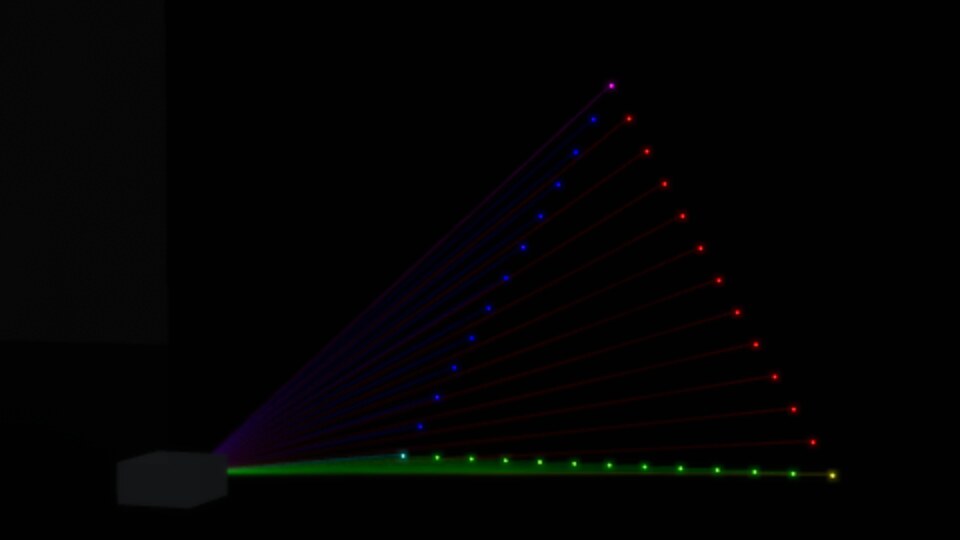
Beam shows up on the network as a laser DAC, Ether Dream or IDN, or takes MadMapper’s Ponk stream. Point your laser software at it and the beams appear in the haze, with the figure drawn on whatever they hit. Useful for checking where a beam ends up before anyone stands in it.
Measuring
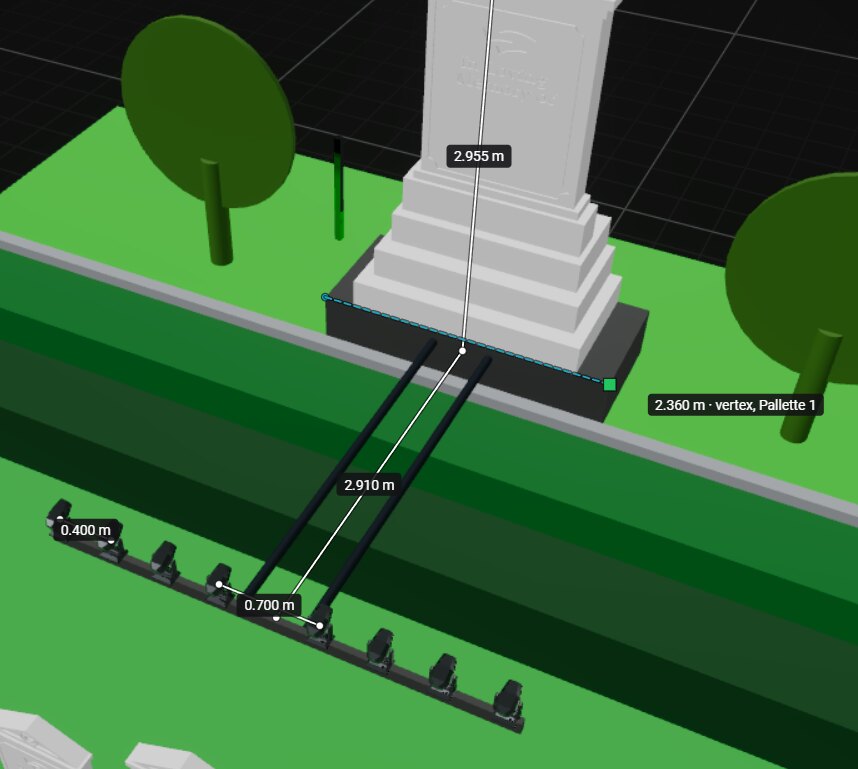
Click two points for a distance, three for an angle, or a fixture for its throw to the floor or the first thing in its way. It snaps to corners, edges, faces and fixture lenses, and arrow keys or Shift lock an axis. Measurements are saved with the project.
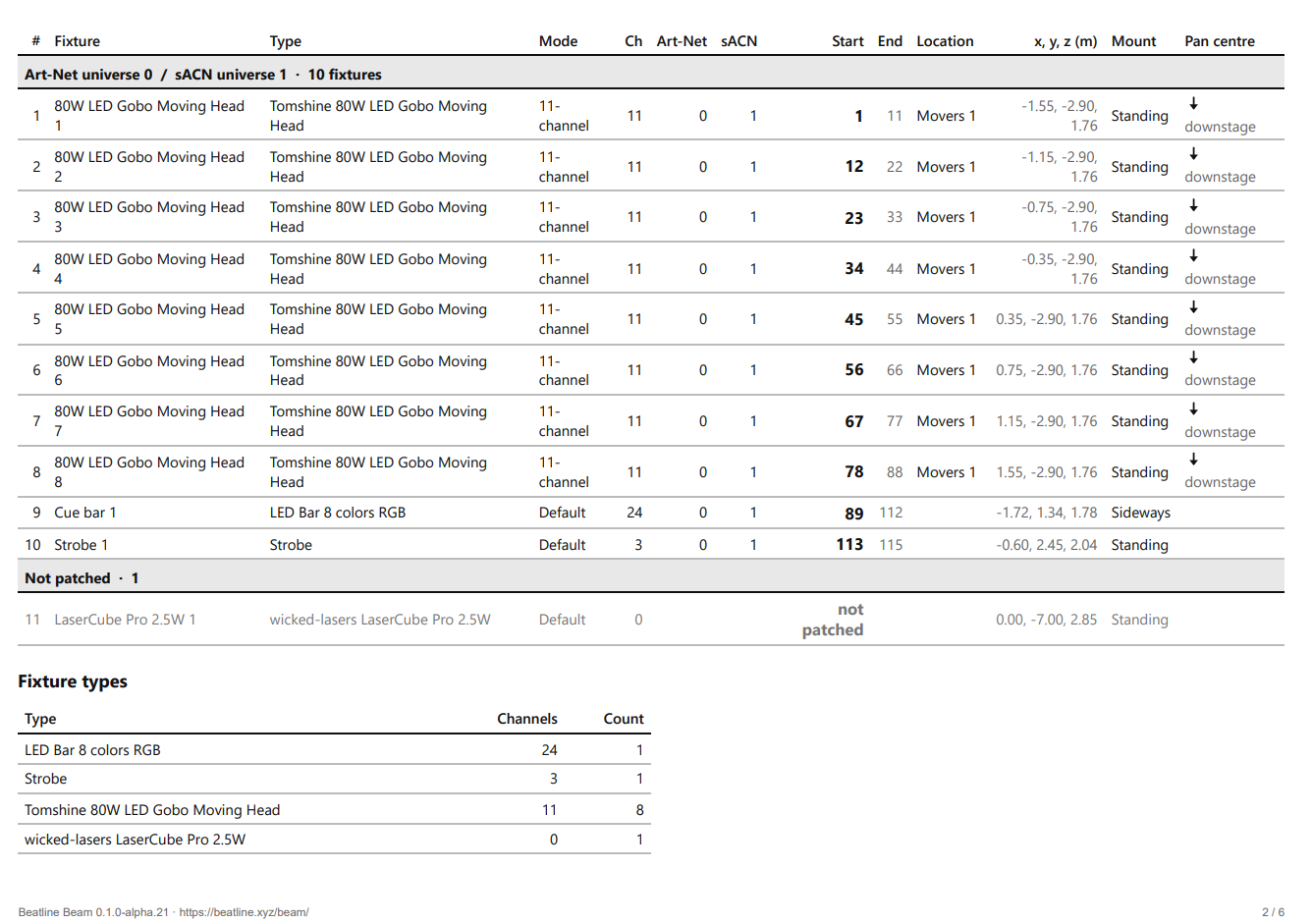
Patch sheet
A PDF for whoever rigs it: every fixture with its mode, universe and start address in both Art-Net and sACN numbering, a plan and elevations drawn from the scene, and arrows showing which way each mover’s beam travels on tilt.
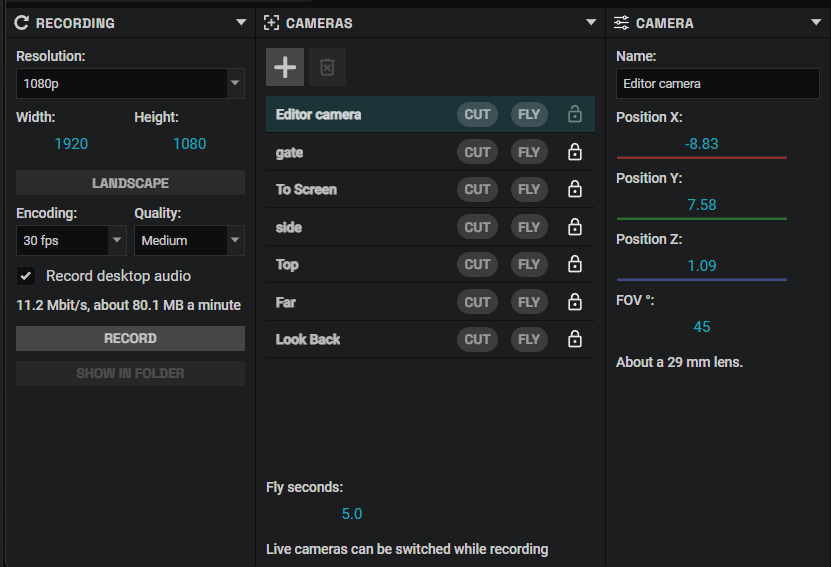
Studio and recording
Set up camera positions and cut or fly between them while the show runs. Record the view to an MP4, or copy a still to the clipboard.
Test real fixtures
Switch Beam to Send mode and compare your real fixture against the virtual one.
Under the hood
Built on open ground
Beam started as a fork of ASLS Studio by Timé Kadel. Its patching, its interface kit and the first version of its 3D view are what Beam was built on. It is released under the GPL v3, the licence it inherits. The source is on GitHub.
Community
Tell us what breaks
Beam is alpha and changes quickly. The Discord is the fastest way to get help, report something odd or ask for a feature, and new builds are announced there first. Bugs you can reproduce are best filed on the issue tracker so they don't get lost.